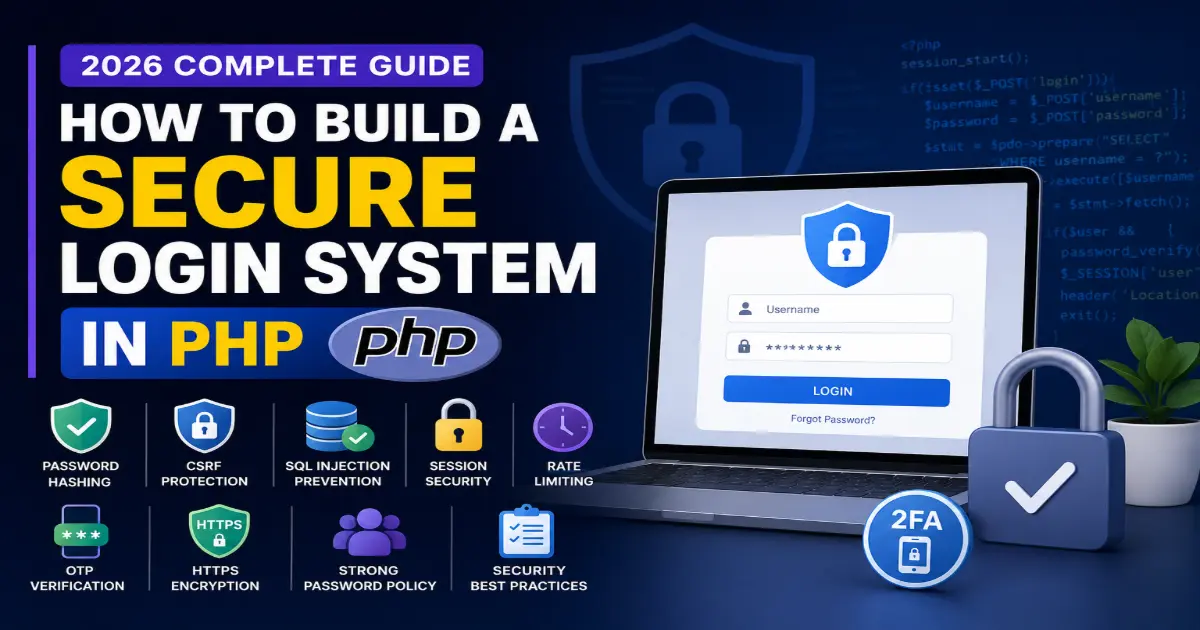
Security is no longer optional. Whether you're building a startup, SaaS platform, admin dashboard, or customer portal, your login system is the first line of defense against cyber attacks.
In this complete guide, you'll learn how to create a modern PHP authentication system that follows today's security standards.
Why Login Security Matters
Thousands of websites are compromised every day because developers ignore basic authentication security.
Common attacks include:
SQL Injection
Password Guessing
Session Hijacking
Cross Site Request Forgery (CSRF)
Brute Force Attacks
Credential Stuffing
A secure authentication system protects both your users and your business.
Essential Features of a Secure Login System
Password Hashing
Never store plain text passwords.
Use PHP's built-in password hashing.
Benefits:
Strong encryption
Automatic algorithm updates
Easy verification
CSRF Protection
Every login request should contain a unique CSRF token.
This prevents attackers from submitting fake login forms.
Prepared Statements
Always use prepared SQL statements.
Never concatenate user input directly into SQL queries.
Prepared statements eliminate SQL Injection vulnerabilities.
Session Security
After successful login:
Regenerate Session ID
Set HttpOnly cookies
Enable Secure cookies
Configure SameSite cookies
These settings make session hijacking significantly more difficult.
Rate Limiting
Limit repeated login attempts.
Example:
Maximum 5 failed attempts
Lock account for 15 minutes
Log suspicious IP addresses
Rate limiting protects against brute-force attacks.
Two-Factor Authentication (2FA)
Adding OTP verification dramatically improves account security.
Popular methods include:
Email OTP
Authenticator Apps
SMS Verification
Strong Password Policy
Require users to create passwords that include:
Uppercase letters
Lowercase letters
Numbers
Special characters
Minimum 12 characters
HTTPS Encryption
Never allow login over HTTP.
SSL certificates encrypt credentials while they travel across the internet.
Common Mistakes Developers Make
❌ Storing passwords in plain text
❌ Using MD5 or SHA1
❌ No CSRF protection
❌ No rate limiting
❌ Weak session management
❌ Displaying detailed login errors
Best Security Checklist
✅ Password Hashing
✅ Prepared Statements
✅ CSRF Tokens
✅ Session Regeneration
✅ Rate Limiting
✅ Secure Cookies
✅ HTTPS
✅ Two-Factor Authentication
✅ Input Validation
✅ Security Logging
Final Thoughts
Building a secure login system isn't complicated, but it requires attention to detail. By implementing modern authentication practices like password hashing, prepared statements, CSRF protection, secure sessions, and optional two-factor authentication, you can greatly reduce the risk of unauthorized access.
Security should be part of every application from day one—not something added later.
Frequently Asked Questions
Is PHP still secure in 2026?
Yes. Modern PHP versions provide excellent security features when developers follow best practices.
Which password hashing algorithm should I use?
PHP's password_hash() with the default algorithm is recommended.
Is HTTPS mandatory?
Absolutely. Never transmit login credentials over an unencrypted connection.
Should I implement OTP verification?
Yes. Two-factor authentication significantly improves account security.